


LAVA ST 16 Wirless Mouse
100 EGP
| Feature | Description |
|---|---|
| Precision Targeting | Yes |
| Fast Track | Yes |
| Sensor | Optical |
| Ergonomic Design | Yes |
| Tracking Resolution | 2400 DPI |
| Image Processing | 5.8 MP/sec |
| Max Acceleration | 15g |
| Max Speed | 40 inches/sec |
| USB Data Format | 12 bits/axis |
| USB Report Rate | 125 reports/sec |
| Sleep Mode | Disabled |
| Button Life | 500 million clicks |
| Rating | 100mA @ 5V |
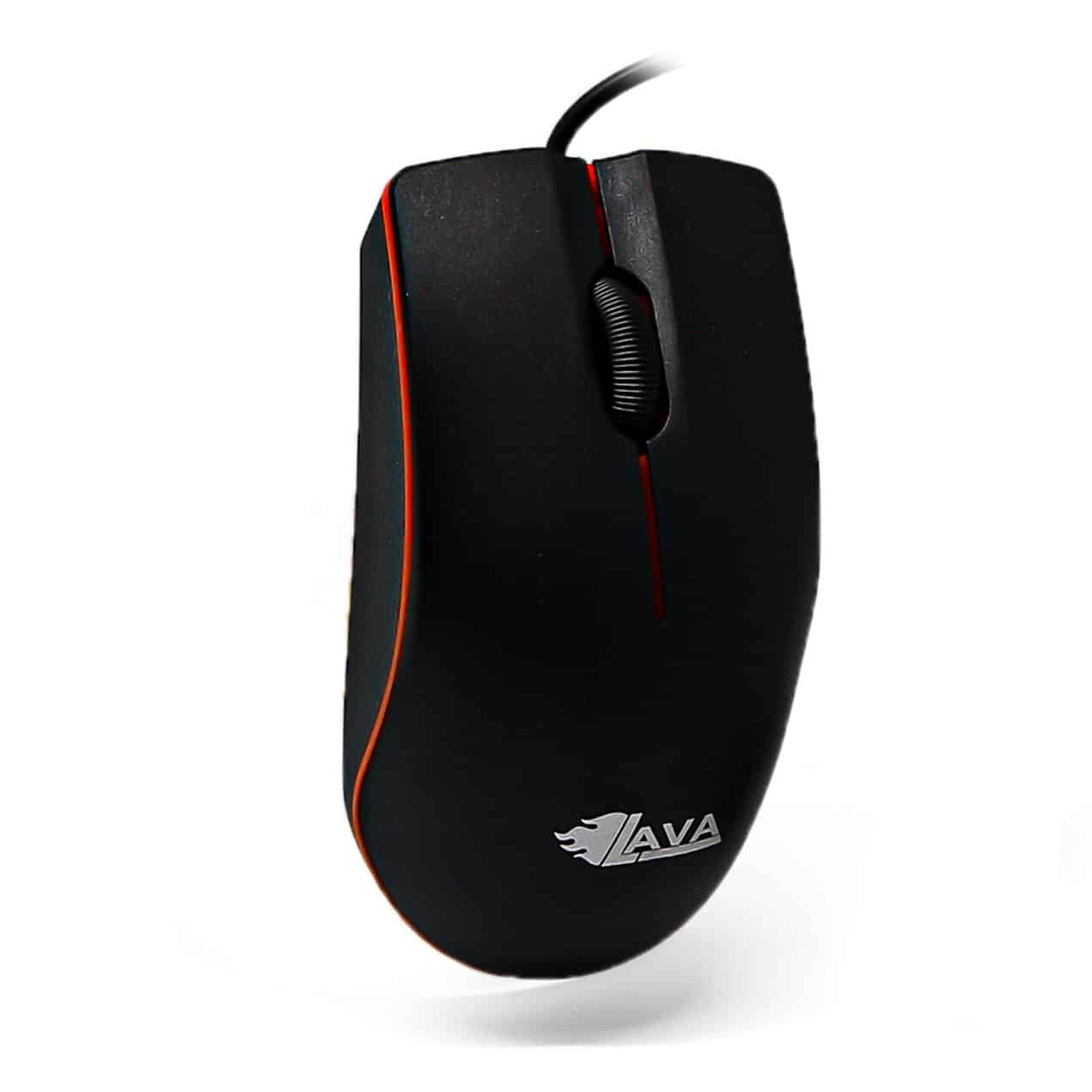
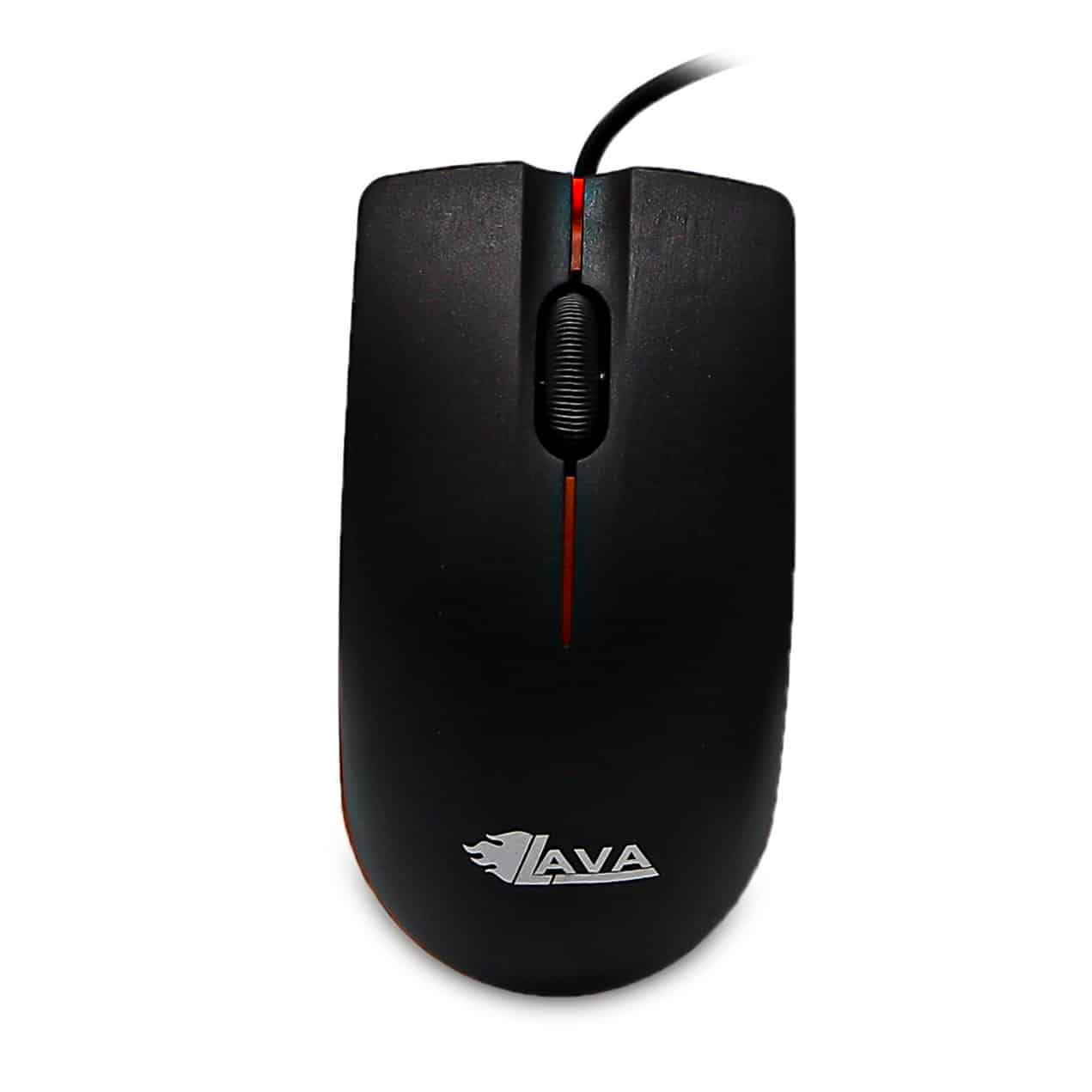
LAVA ST 2 Optical Mouse
50 EGP
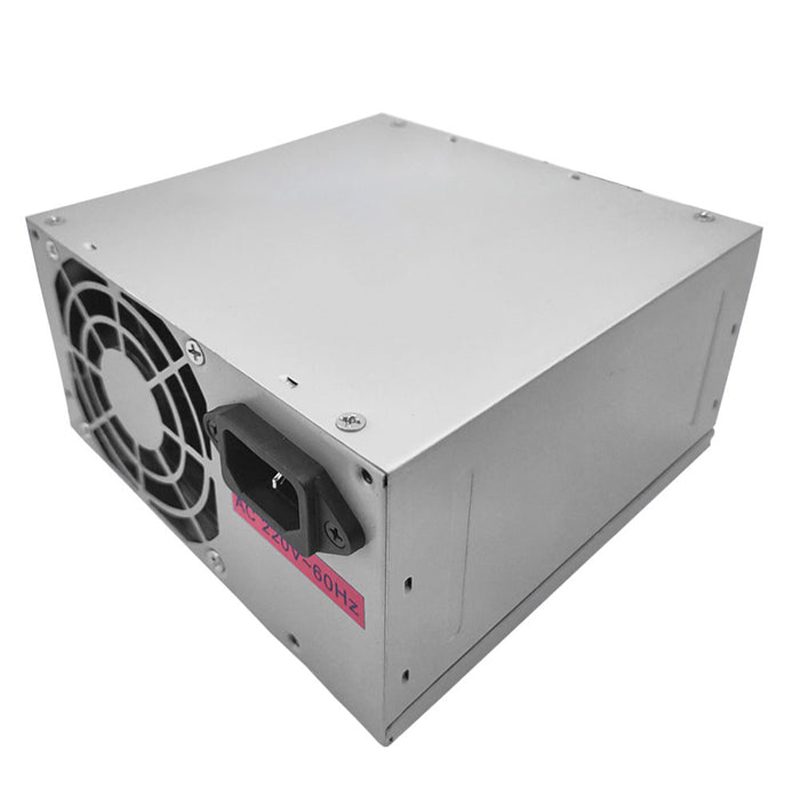
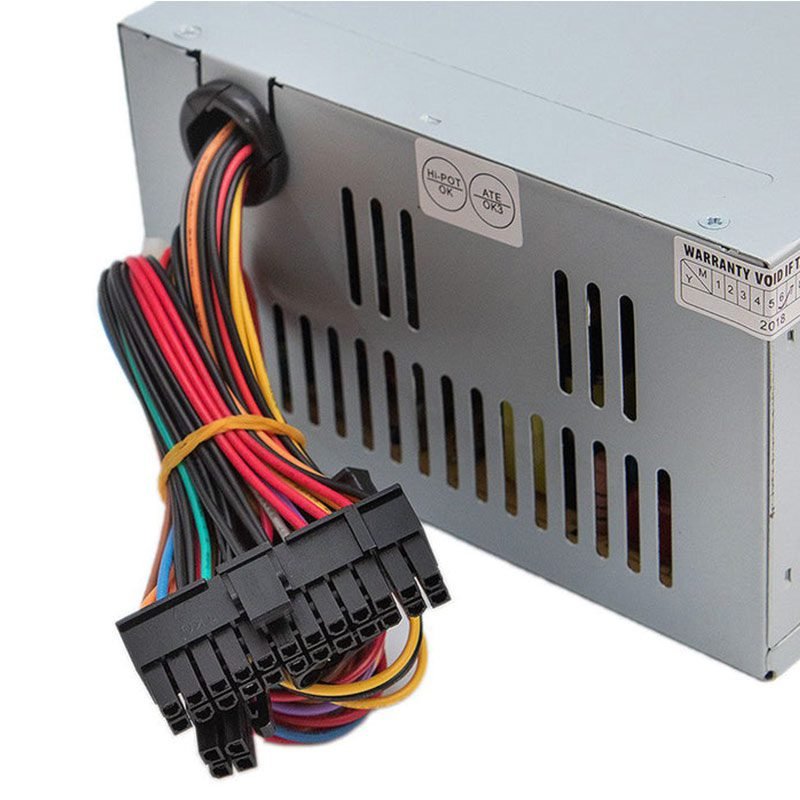

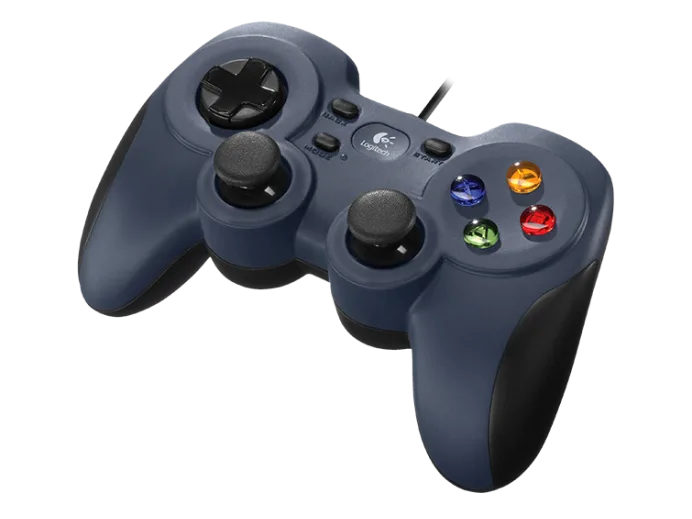
Logitech GAMEPAD F310 EWR2
1,050 EGP
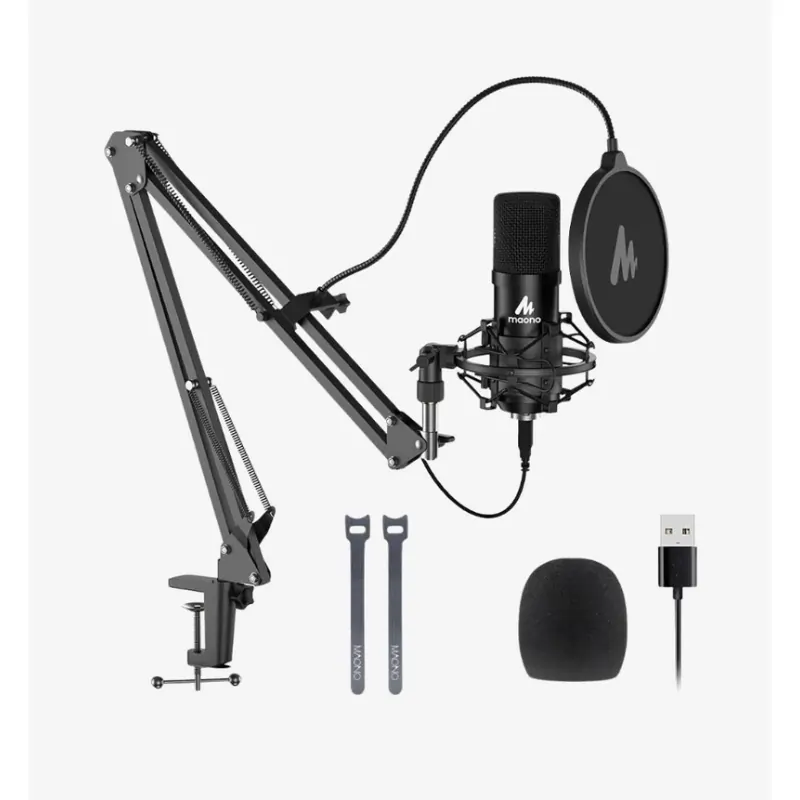
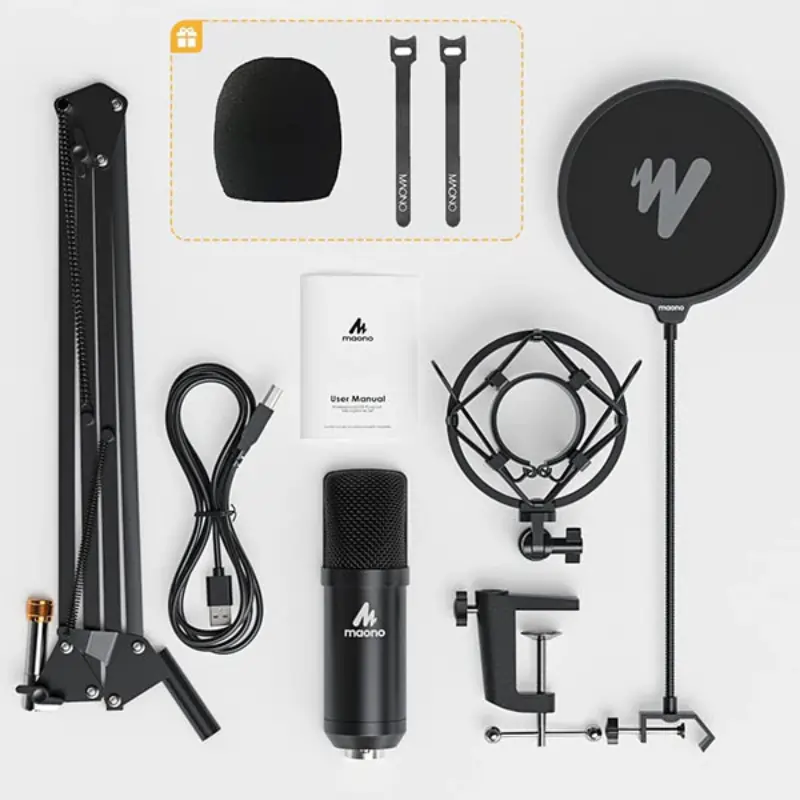
MAONO AU-A04 Condenser Microphone
2,325 EGP


MAONO AU-MH601 Studio Monitoring Headphone
2,200 EGP
| Feature | Description |
|---|---|
| Type | Dynamic, Closed-back |
| Driver Size | 50mm |
| Frequency Response | 20Hz – 20kHz |
| Impedance | 32 Ohms |
| Sensitivity | 105dB ±3dB @ 1mW |
| Max Input Power | 100mW |
| Cable Length | 3 meters (9.8 feet) |
| Connector | 3.5mm (1/8 inch) stereo mini jack, with 6.35mm (1/4 inch) stereo jack adapter |
| Weight | 400g |
| Material | Protein ear cushions, lightweight frame, foldable design |

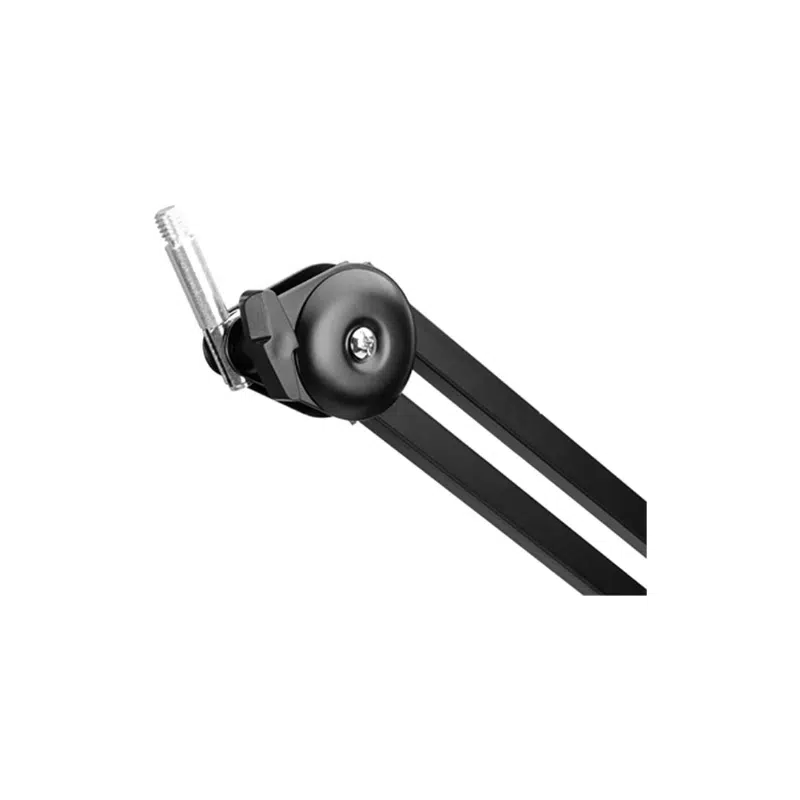
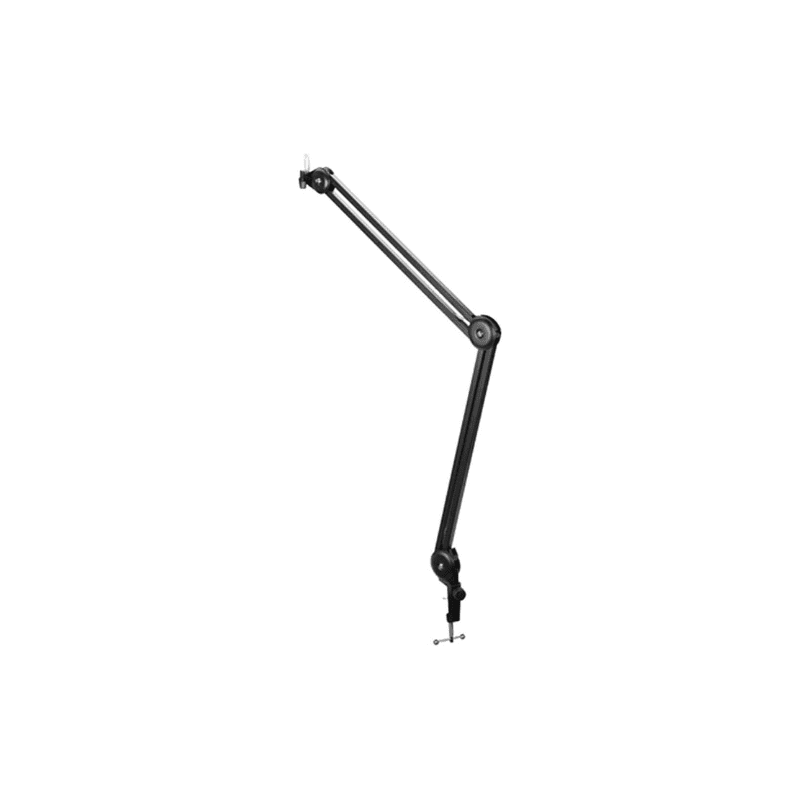
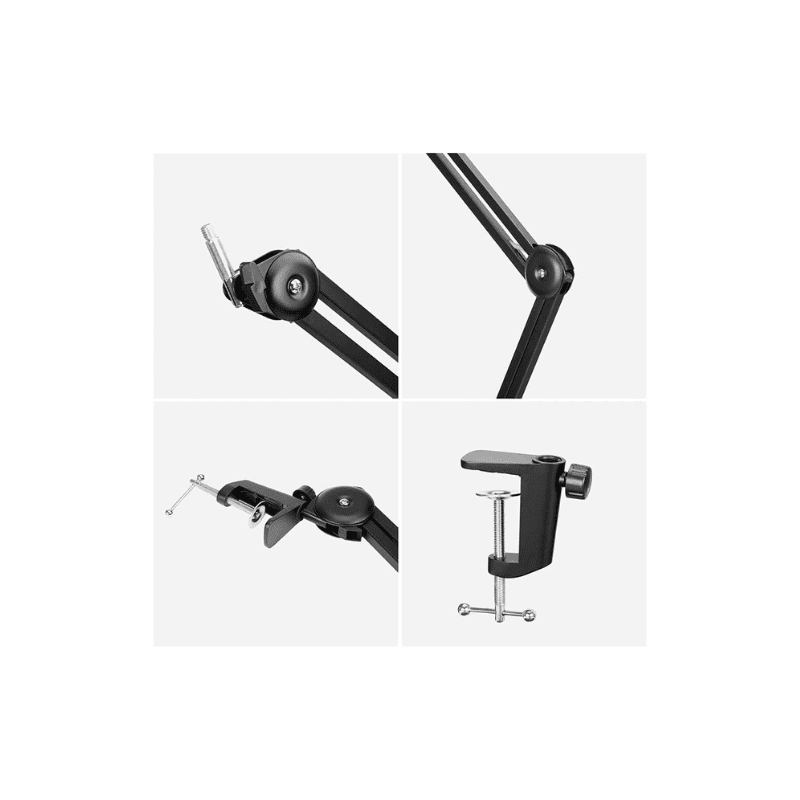
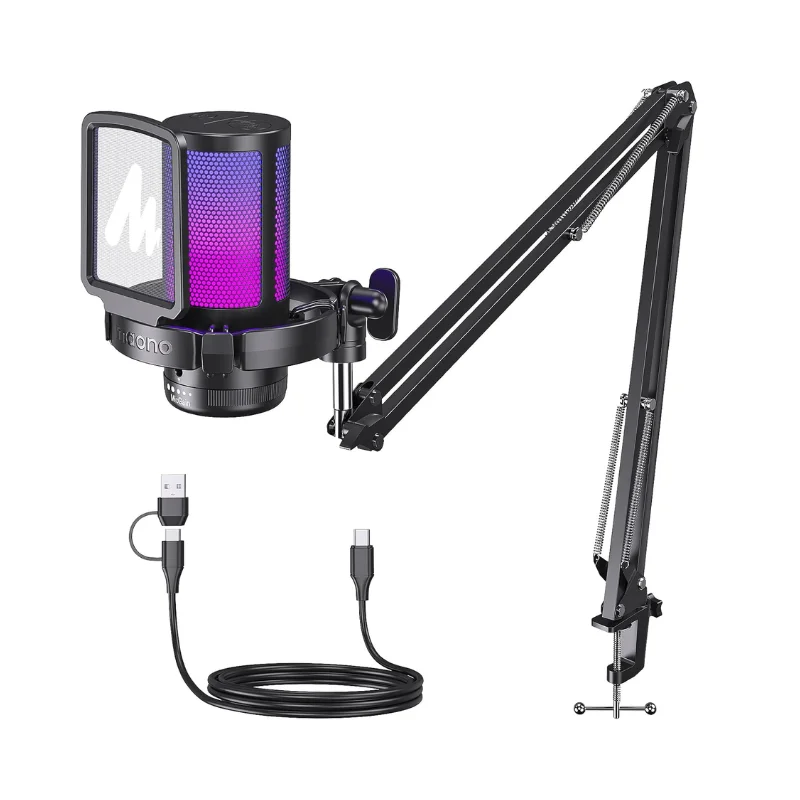
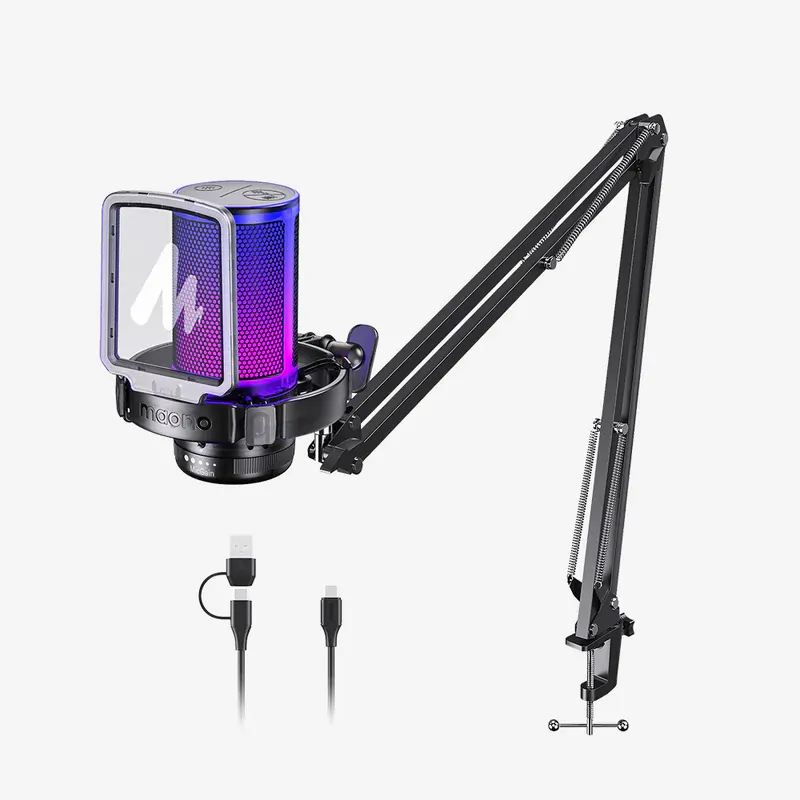
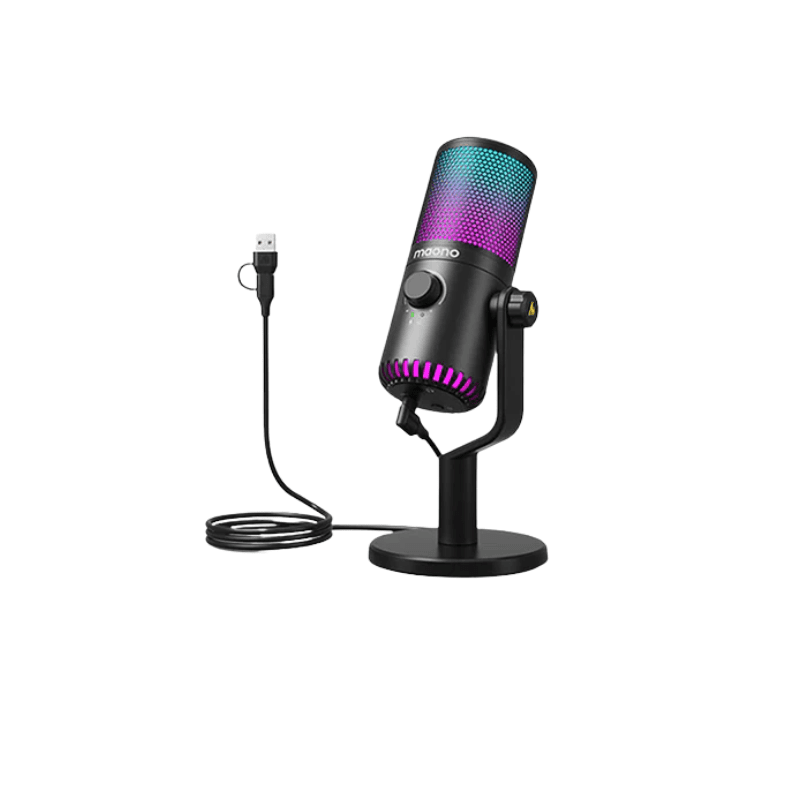
MAONO DM20RGB USB Gaming Microphone
2,490 EGP
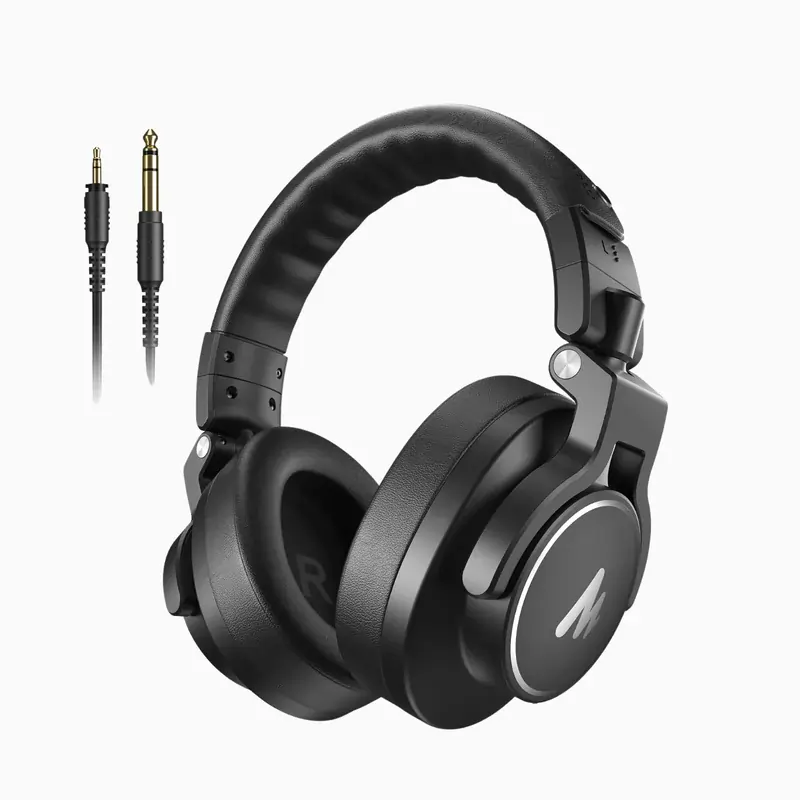

MAONO MH700 Gaming Headphones
2,500 EGP
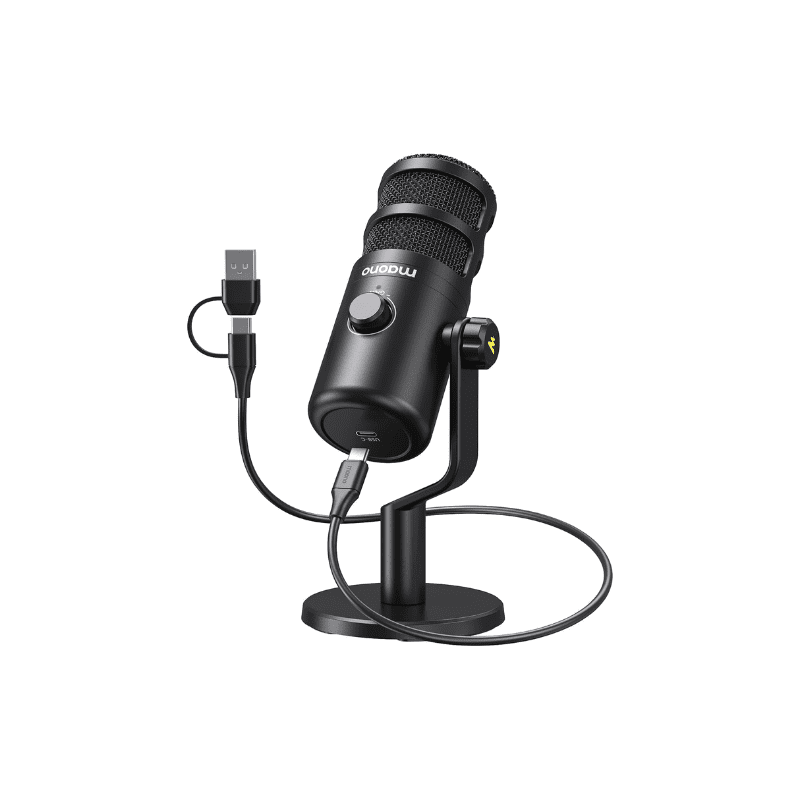
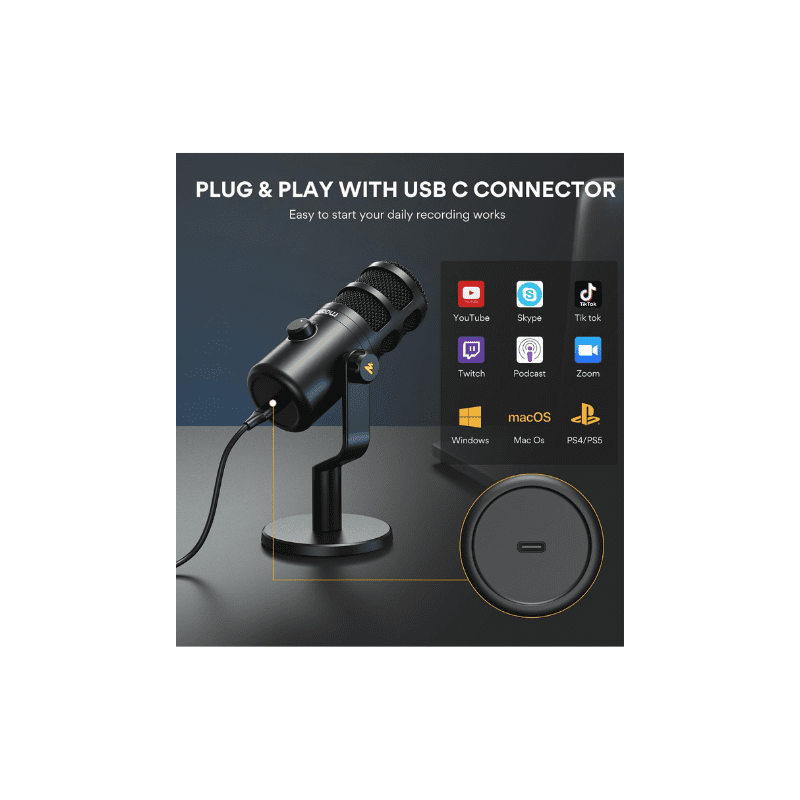
MAONO PD100U Dynamic USB Microphone
1,900 EGP


MAONO PD200X XLR/USB Podcast Dynamic Microphone
2,450 EGP
| Feature | Description |
|---|---|
| Product Name | MAONO PD200X |
| Microphone Type | Dynamic, cardioid polar pattern |
| Connectivity | USB-C & XLR dual output |
| Frequency Response | 40Hz – 16kHz |
| Sensitivity | -52±3dB (@1kHz) |
| Headphone Monitoring | Yes (3.5mm jack with zero-latency) |
| Controls | Gain knob, mute button |
| Material | Metal construction |
| Included Accessories | Shock mount, foam windscreen, USB cable |
| Compatibility | Windows, macOS, OBS, Zoom, Discord, etc. |
| Ideal For | Podcasting, streaming, voice-over, studio recording |
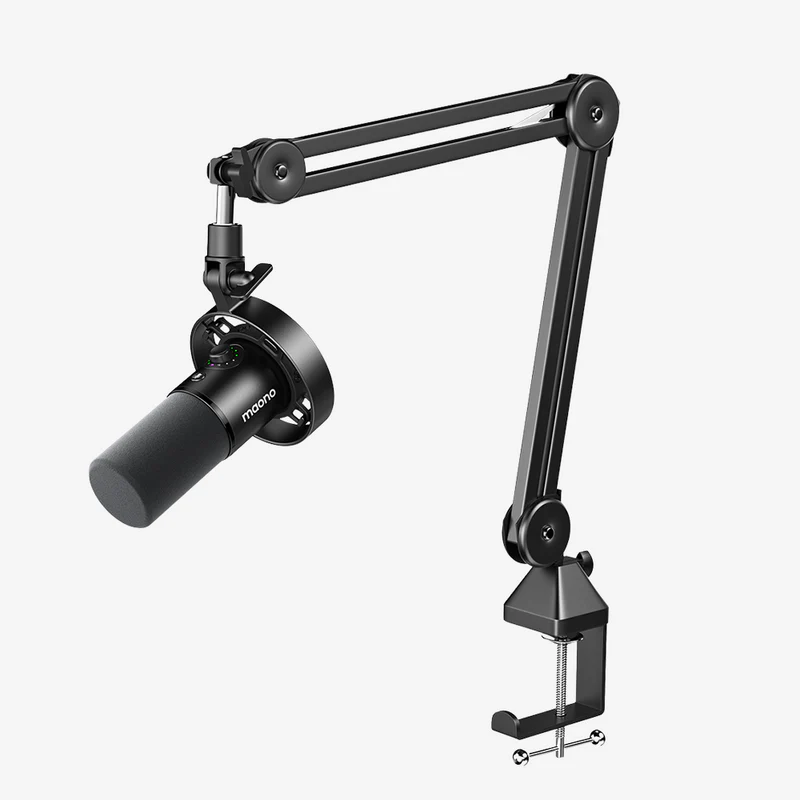
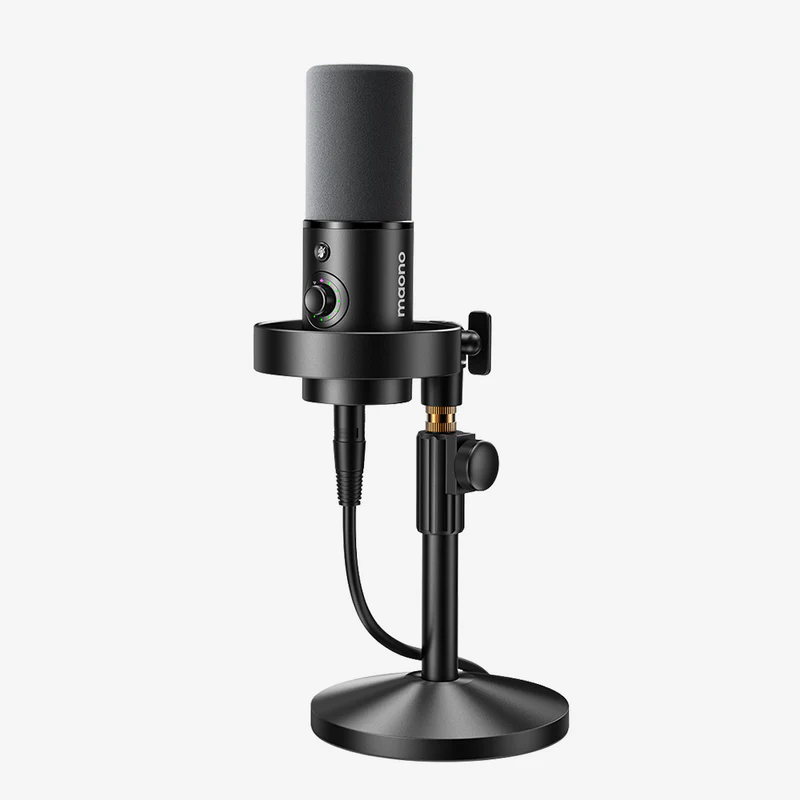
MAONO PD300X Dynamic Microphone
4,000 EGP
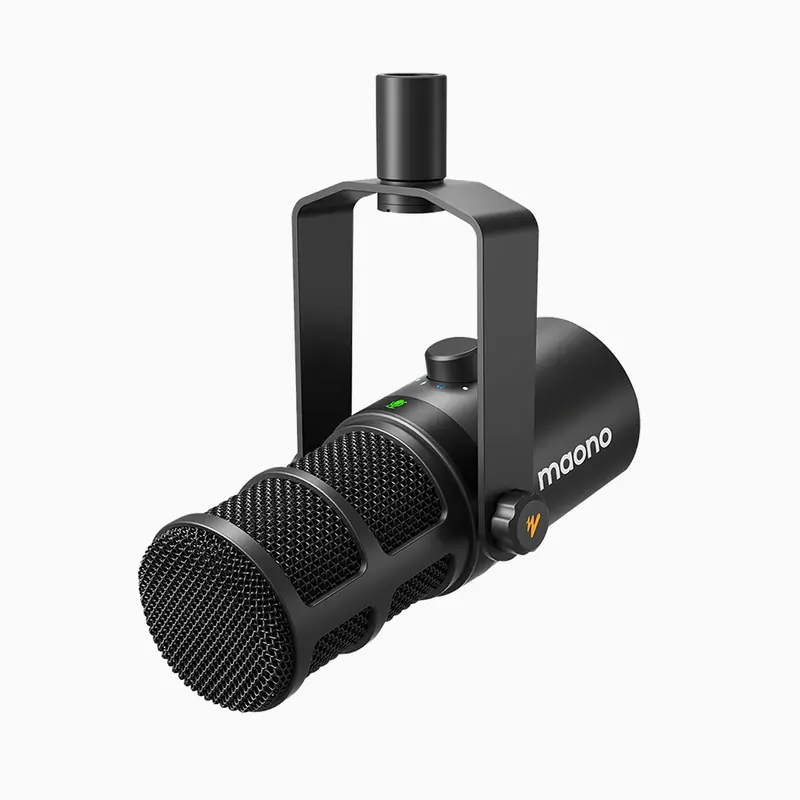

MAONO PD400X Dynamic Microphone
5,750 EGP