Convert Display TO HD
Apple Shopping Event
Hurry and get discounts on all Products
90 EGP
In stock
In stock
Payment Methods:
Description
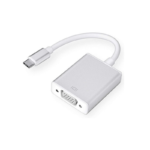
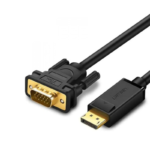
The Convert DisplayPort to HDMI Adapter (also referred to as DisplayPort to HDMI Converter, DP to HDMI Cable Adapter, and Display to HD Converter) is designed to bridge the gap between DisplayPort-enabled devices and HDMI displays.
This adapter converts a digital DisplayPort signal into HDMI output, allowing seamless connectivity between desktops, laptops, and graphics cards with DisplayPort and external displays such as TVs, monitors, and projectors with HDMI input.
The DisplayPort to HDMI adapter typically supports Full HD (1080p) and up to 4K resolution (depending on the model), ensuring sharp visuals and high-quality output for both professional and entertainment use. It also supports audio transmission, so both sound and video are delivered through a single HDMI connection.
With plug-and-play functionality, the DP to HDMI converter requires no drivers or software installation—simply connect the adapter and start using it instantly. This makes it a convenient tool for business presentations, home entertainment, and extending or mirroring your screen.
Most versions are unidirectional, meaning they only work from DisplayPort (source) to HDMI (display), not the other way around.
Features
-
Converts DisplayPort (DP) to HDMI output
-
Supports Full HD and up to 4K resolution (model dependent)
-
Transmits both video and audio
-
Plug-and-play (no drivers required)
-
Compact and portable design
-
Compatible with PCs, laptops, and graphics cards
-
Ideal for TVs, monitors, and projectors
-
Stable and reliable signal transmission
Technical Details
-
Input: DisplayPort (DP)
-
Output: HDMI
-
Resolution Support: Up to 1080p / 4K
-
Audio Support: Yes (via HDMI)
-
Direction: DisplayPort → HDMI (one-way)
-
Power: Passive or active depending on model
-
Compatibility: Windows / macOS / Linux
-
Connector Type: DP male to HDMI female
Benefits of the Product
-
Connect DisplayPort devices to HDMI displays easily
-
High-quality video and audio output
-
No need for additional software or setup
-
Portable and easy to carry
-
Perfect for dual-screen productivity
-
Cost-effective solution without upgrading equipment
-
Ideal for work, gaming, and entertainment
Q&A Section
Q1: Why should I use a Convert DisplayPort to HDMI Adapter?
A: Because it allows you to connect your DisplayPort device to HDMI screens without compatibility issues.
Q2: Does it support audio and video together?
A: Yes, it transmits both audio and video via HDMI.
Q3: Is the adapter bidirectional?
A: No, most models work only from DisplayPort to HDMI.
Q4: Who is this adapter best for?
A: It’s ideal for office users, gamers, designers, and anyone using DisplayPort devices with HDMI displays
Specification
Overview
| Specification | Details |
|---|---|
| Input | DisplayPort |
| Output | HDMI |
| Resolution | Up to 4K |
| Audio Support | Yes |
| Key Features | Plug-and-play, compact, HD output |
Customer Reviews
Related Products
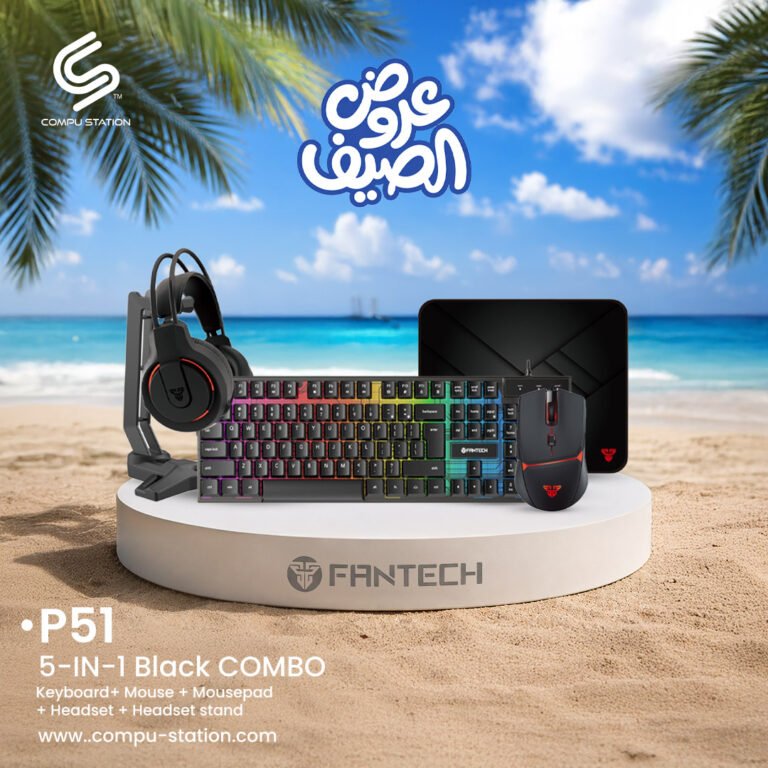
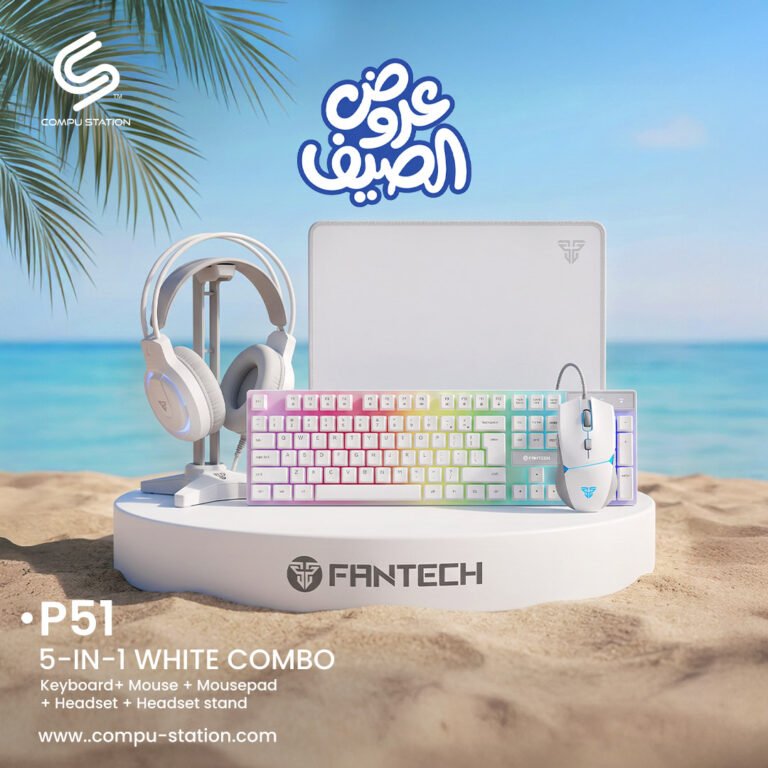
FANTECH P51 Five in One Gaming Combo
| Component | Specs |
|---|---|
| Keyboard K511 | 104 Keys, 19-Key Anti-Ghosting, Rainbow LED, 8M Keystroke Lifespan |
| Mouse X9 Thor | 1200–4800 DPI, 60ips Speed, RGB Lights, 10M Clicks, Braided Cable |
| Headset HG17s | 50mm Drivers, 3.5mm + USB, 108dB Sensitivity, Omnidirectional Mic |
| Mouse Pad MP35 | 13.8x9.8in, Anti-slip Rubber Base, Sewed Edges |
| Headset Stand | Stable Triangular Base, 10.4in Height |
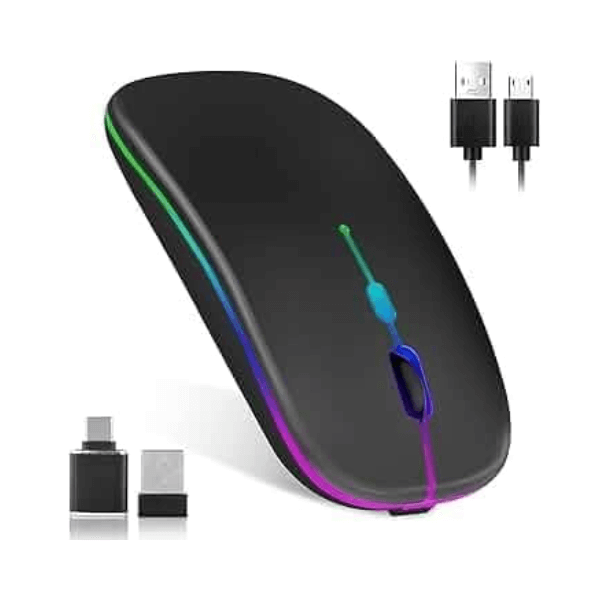
FANTECH WGC5S BLAKE S DUAL MODE WIRELESS GAMING MOUSE
Camera Hikvision Out Door 6MP-IP Motorized DS-2CD2666G2-IZS(2.8-12mm)(C)(O-STD)
| Feature | Details |
|---|---|
| Brand | Hikvision |
| Model | DS-2CD2666G2-IZS |
| Resolution | 6MP |
| Lens | Motorized Varifocal |
| Low-Light Tech | DarkFighter |
| WDR | 120 dB True WDR |
| Compression | H.265+ |
| AI Technology | AcuSense, Deep Learning |
| Audio/Alarm | Supported |
| Protection | IP66 (Weatherproof), IK10 (Vandal Resistant) |
| Type | Bullet Network Camera |

Reviews
There are no reviews yet.