
Convert Display TO HD
Apple Shopping Event
Hurry and get discounts on all Products
90 EGP
In stock
In stock
Payment Methods:
Description
The Convert DisplayPort to HDMI Adapter (also referred to as DisplayPort to HDMI Converter, DP to HDMI Cable Adapter, and Display to HD Converter) is designed to bridge the gap between DisplayPort-enabled devices and HDMI displays.
This adapter converts a digital DisplayPort signal into HDMI output, allowing seamless connectivity between desktops, laptops, and graphics cards with DisplayPort and external displays such as TVs, monitors, and projectors with HDMI input.
The DisplayPort to HDMI adapter typically supports Full HD (1080p) and up to 4K resolution (depending on the model), ensuring sharp visuals and high-quality output for both professional and entertainment use. It also supports audio transmission, so both sound and video are delivered through a single HDMI connection.
With plug-and-play functionality, the DP to HDMI converter requires no drivers or software installation—simply connect the adapter and start using it instantly. This makes it a convenient tool for business presentations, home entertainment, and extending or mirroring your screen.
Most versions are unidirectional, meaning they only work from DisplayPort (source) to HDMI (display), not the other way around.
Features
Converts DisplayPort (DP) to HDMI output
Supports Full HD and up to 4K resolution (model dependent)
Transmits both video and audio
Plug-and-play (no drivers required)
Compact and portable design
Compatible with PCs, laptops, and graphics cards
Ideal for TVs, monitors, and projectors
Stable and reliable signal transmission
Technical Details
Input: DisplayPort (DP)
Output: HDMI
Resolution Support: Up to 1080p / 4K
Audio Support: Yes (via HDMI)
Direction: DisplayPort → HDMI (one-way)
Power: Passive or active depending on model
Compatibility: Windows / macOS / Linux
Connector Type: DP male to HDMI female
Benefits of the Product
Connect DisplayPort devices to HDMI displays easily
High-quality video and audio output
No need for additional software or setup
Portable and easy to carry
Perfect for dual-screen productivity
Cost-effective solution without upgrading equipment
Ideal for work, gaming, and entertainment
Q&A Section
Q1: Why should I use a Convert DisplayPort to HDMI Adapter?
A: Because it allows you to connect your DisplayPort device to HDMI screens without compatibility issues.
Q2: Does it support audio and video together?
A: Yes, it transmits both audio and video via HDMI.
Q3: Is the adapter bidirectional?
A: No, most models work only from DisplayPort to HDMI.
Q4: Who is this adapter best for?
A: It’s ideal for office users, gamers, designers, and anyone using DisplayPort devices with HDMI displays
Specification
Overview
| Specification | Details |
|---|---|
| Input | DisplayPort |
| Output | HDMI |
| Resolution | Up to 4K |
| Audio Support | Yes |
| Key Features | Plug-and-play, compact, HD output |
Customer Reviews
Related Products
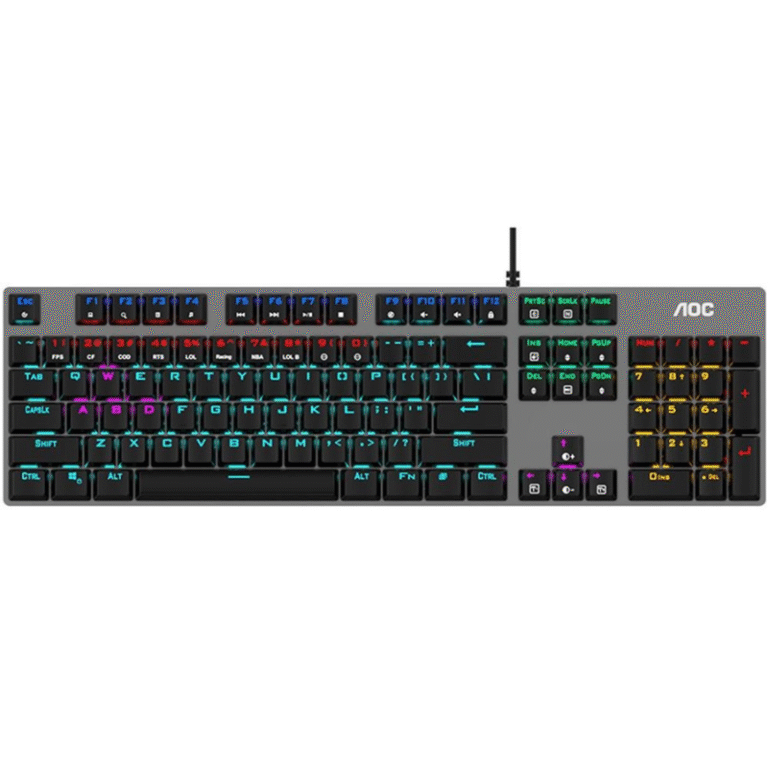
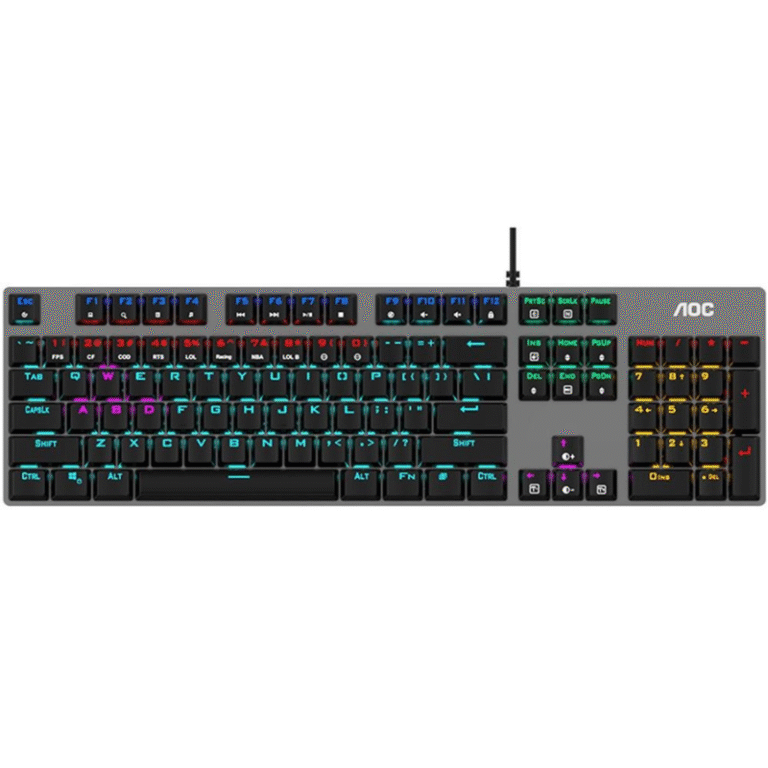
Aula F2058 Gaming Mechanical Keyboard White
| Feature | Details |
|---|---|
| Brand | Aula |
| Model | F2058 |
| Keyboard Type | Mechanical Gaming Keyboard |
| Color | White |
| Switch Type | Mechanical Switches |
| Backlighting | RGB with multiple effects |
| Anti-Ghosting | 100% Anti-Ghosting, N-Key Rollover |
| Connectivity | Wired USB |
| Multimedia Keys | Yes, dedicated media controls |
| Gaming Mode | Yes, disables Windows key |
| Ergonomic Design | Adjustable stand, comfortable keycaps |
| Durability | Built to last with high-quality materials8 |
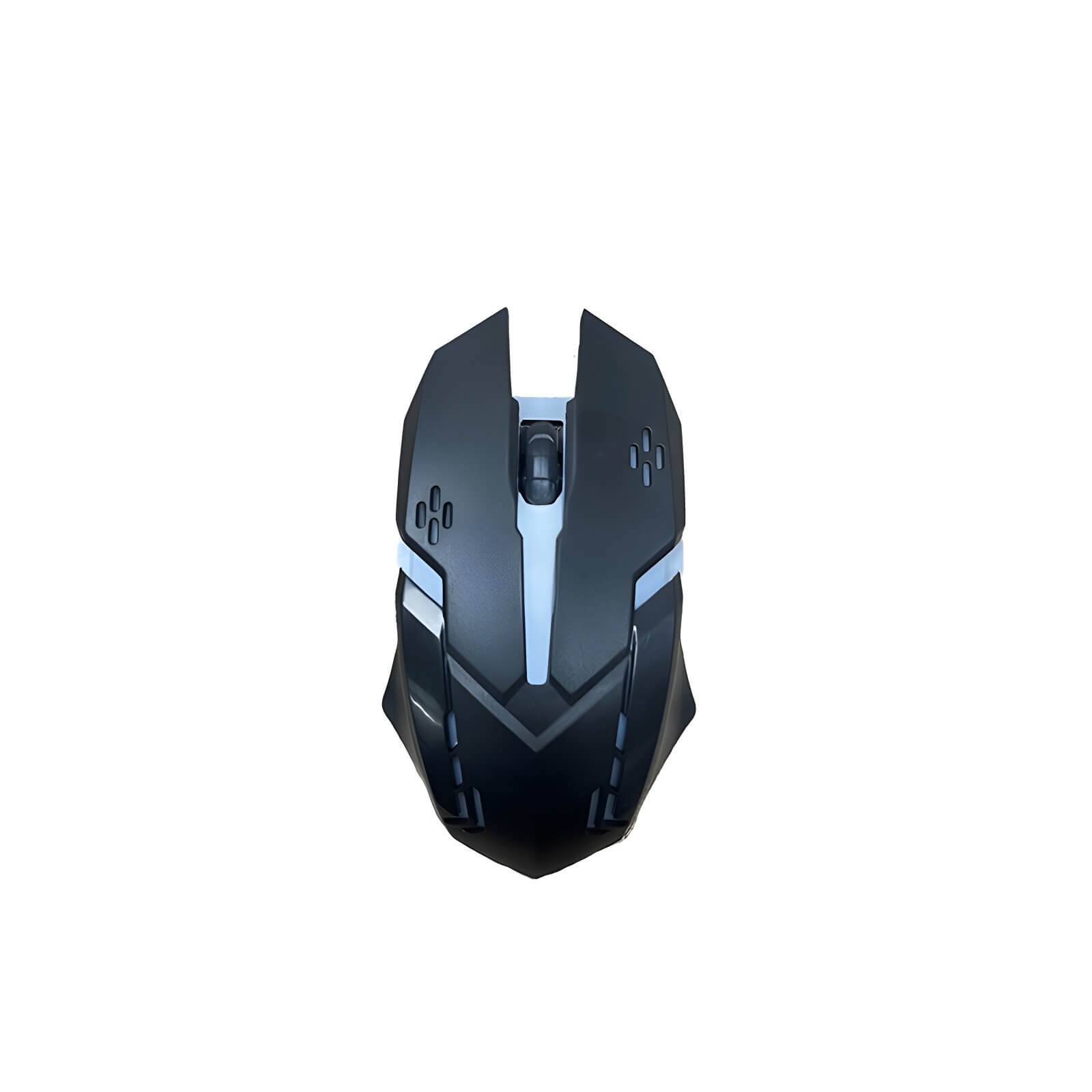
Mouse Optical FOX USB
| Feature | Specification |
|---|---|
| Optical Sensor | High precision infrared sensor for more accurate positioning |
| Mechanical Button | Ten million times circulating mechanical button for fast response |
| Gaming Performance | Ensures smooth movement without frame drops, lag, or other issues during intense gaming |
| Backlight Effects | Colorful LED backlights for an enhanced gaming experience |
| Non-slip Scroll Wheel | Scroll up and down function with anti-slip design for fast and easy operation |
| Usage | Ideal for gaming, daily office use, or web browsing |
TP-Link Archer VR300 AC1200 Wireless VDSL ADSL Modem Router
| Specification | Details |
|---|---|
| Model | TP-Link Archer VR300 |
| Device Type | Wi-Fi DSL Modem Router |
| Wi-Fi Standard | IEEE 802.11ac/n/g/b |
| Wireless Speed | AC1200 (300 + 867 Mbps) |
| Frequency Bands | Dual-Band (2.4 GHz & 5 GHz) |
| DSL Support | VDSL / ADSL |
| WAN | VDSL / ADSL |
| LAN Ports | 4 × Gigabit LAN |
| USB | No (varies by region) |
| Security | WPA/WPA2, Firewall |
| Setup | TP-Link Tether / Web Interface |
| Ideal For | Home & Small Office |
| Features | Parental Controls, Guest Network, IPv6 |
AMPLIFIER LAVA ST 7000 USB R FM BT
| Feature | Details |
|---|---|
| Brand | LAVA |
| Model | ST 7000 |
| Power Output | High power for clear, loud audio |
| Connectivity | USB, FM Radio, Bluetooth, AUX, Remote Control |
| Bluetooth | Yes, for wireless audio streaming |
| USB Port | Yes, supports MP3 playback |
| FM Radio | Yes, built-in tuner |
| Remote Control | Yes, for easy operation |
| Design | Sturdy metal chassis, LED display |
| Usage | Home entertainment, events, public audio |


Reviews
There are no reviews yet.