


 Overview

Related Products
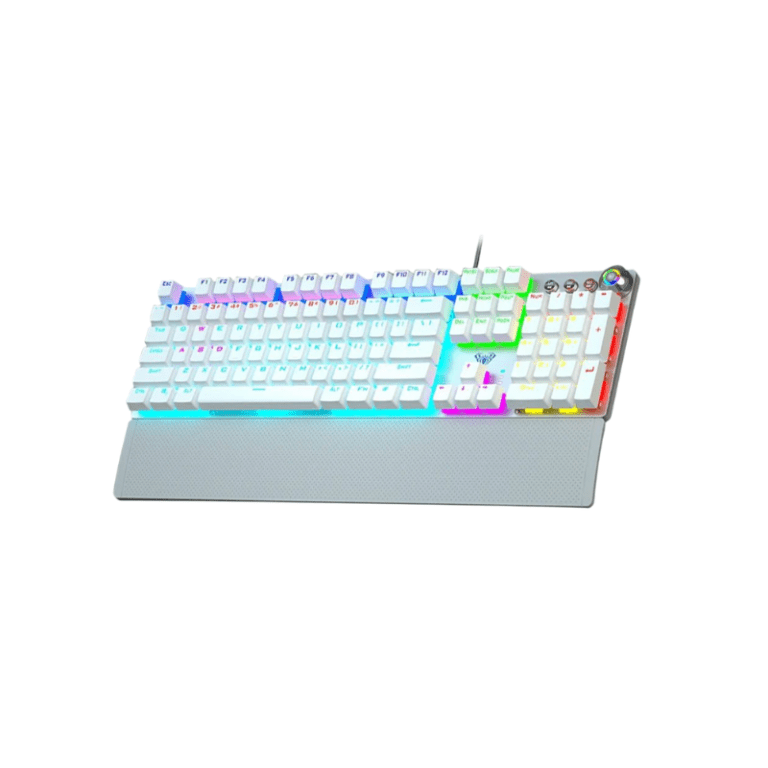
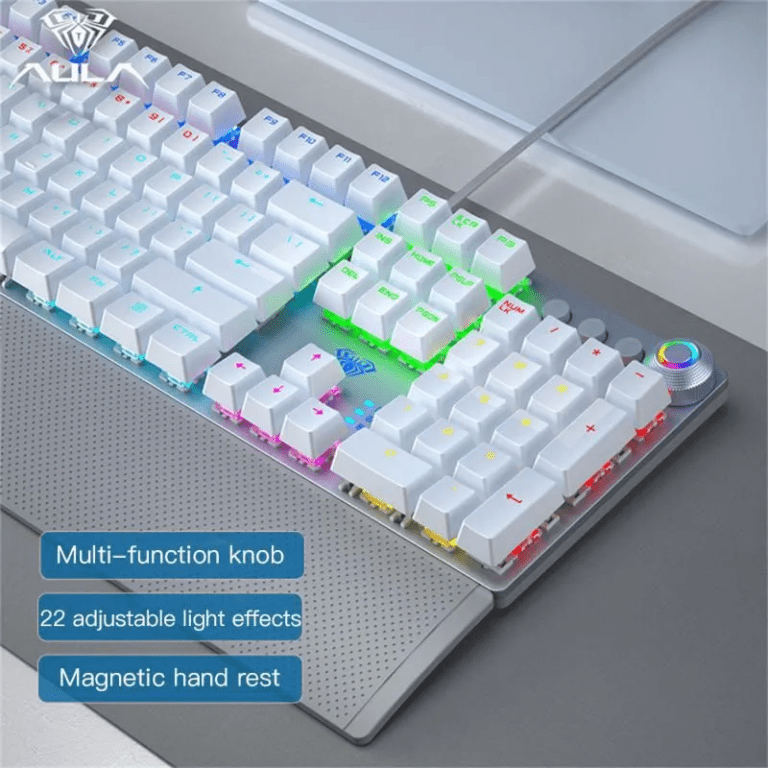
Aula F2058 Gaming Mechanical Keyboard White
800 EGP
Select options
This product has multiple variants. The options may be chosen on the product page
| Feature | Details |
|---|---|
| Brand | Aula |
| Model | F2058 |
| Keyboard Type | Mechanical Gaming Keyboard |
| Color | White |
| Switch Type | Mechanical Switches |
| Backlighting | RGB with multiple effects |
| Anti-Ghosting | 100% Anti-Ghosting, N-Key Rollover |
| Connectivity | Wired USB |
| Multimedia Keys | Yes, dedicated media controls |
| Gaming Mode | Yes, disables Windows key |
| Ergonomic Design | Adjustable stand, comfortable keycaps |
| Durability | Built to last with high-quality materials8 |
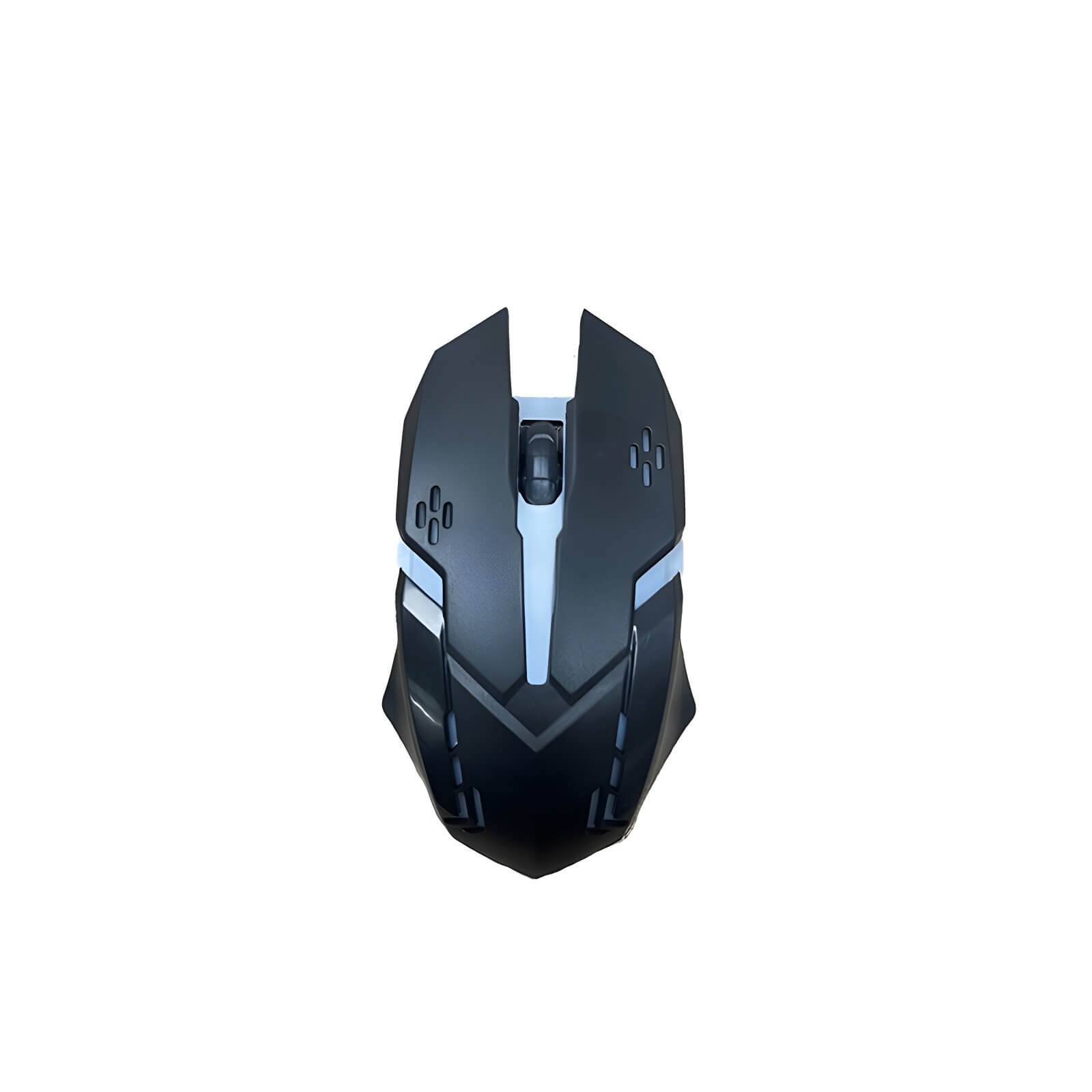
Mouse Optical FOX USB
60 EGP
| Feature | Specification |
|---|---|
| Optical Sensor | High precision infrared sensor for more accurate positioning |
| Mechanical Button | Ten million times circulating mechanical button for fast response |
| Gaming Performance | Ensures smooth movement without frame drops, lag, or other issues during intense gaming |
| Backlight Effects | Colorful LED backlights for an enhanced gaming experience |
| Non-slip Scroll Wheel | Scroll up and down function with anti-slip design for fast and easy operation |
| Usage | Ideal for gaming, daily office use, or web browsing |
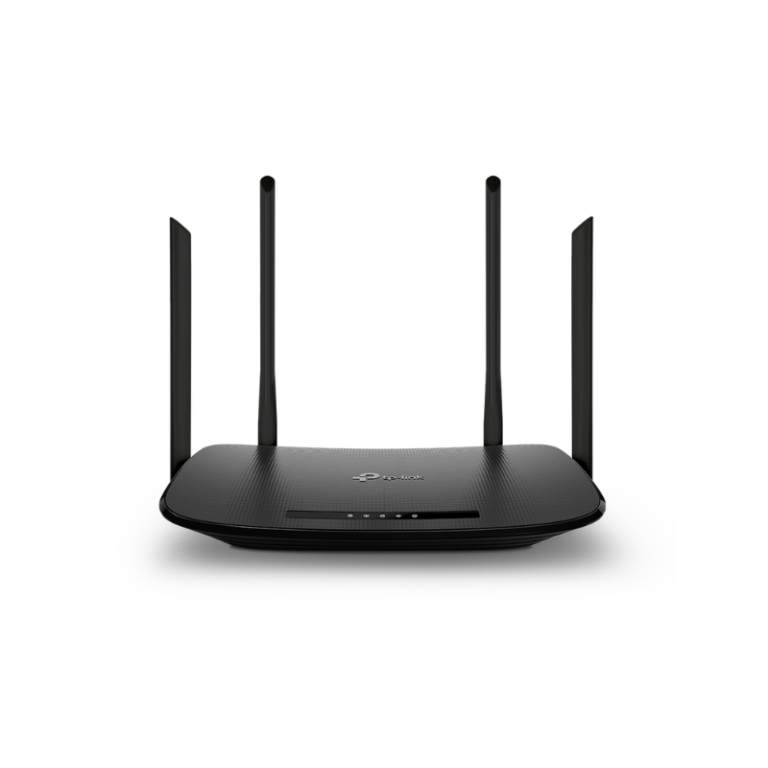
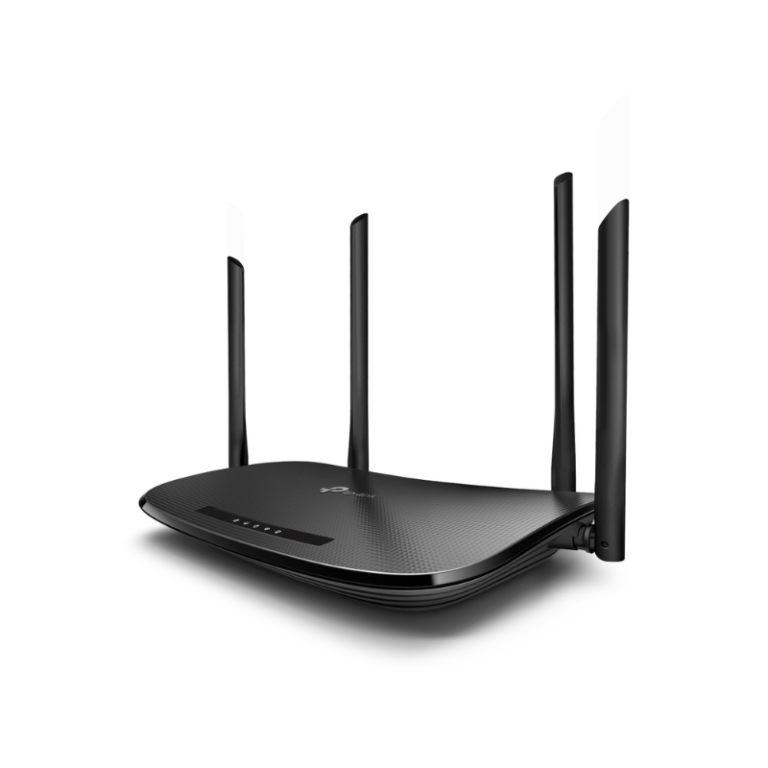
TP-Link Archer VR300 AC1200 Wireless VDSL ADSL Modem Router
2,500 EGP
| Specification | Details |
|---|---|
| Model | TP-Link Archer VR300 |
| Device Type | Wi-Fi DSL Modem Router |
| Wi-Fi Standard | IEEE 802.11ac/n/g/b |
| Wireless Speed | AC1200 (300 + 867 Mbps) |
| Frequency Bands | Dual-Band (2.4 GHz & 5 GHz) |
| DSL Support | VDSL / ADSL |
| WAN | VDSL / ADSL |
| LAN Ports | 4 × Gigabit LAN |
| USB | No (varies by region) |
| Security | WPA/WPA2, Firewall |
| Setup | TP-Link Tether / Web Interface |
| Ideal For | Home & Small Office |
| Features | Parental Controls, Guest Network, IPv6 |


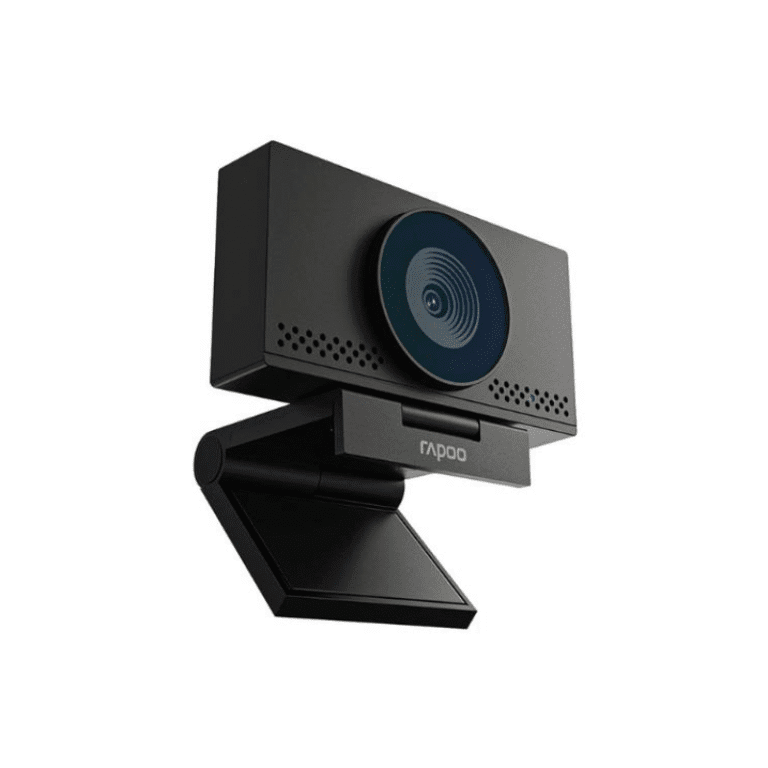
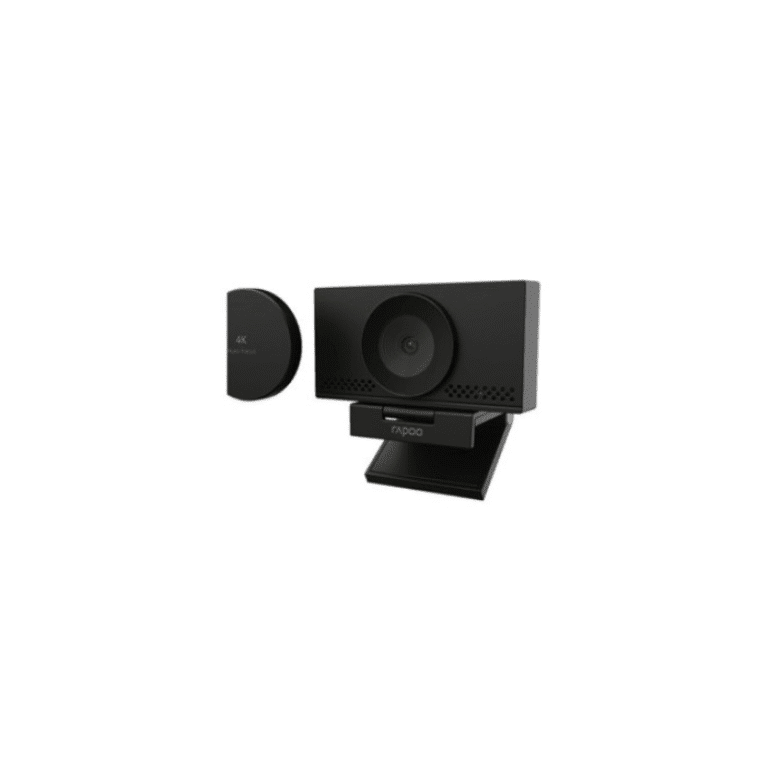
4K Webcam Auto focus C500AF
2,390 EGP
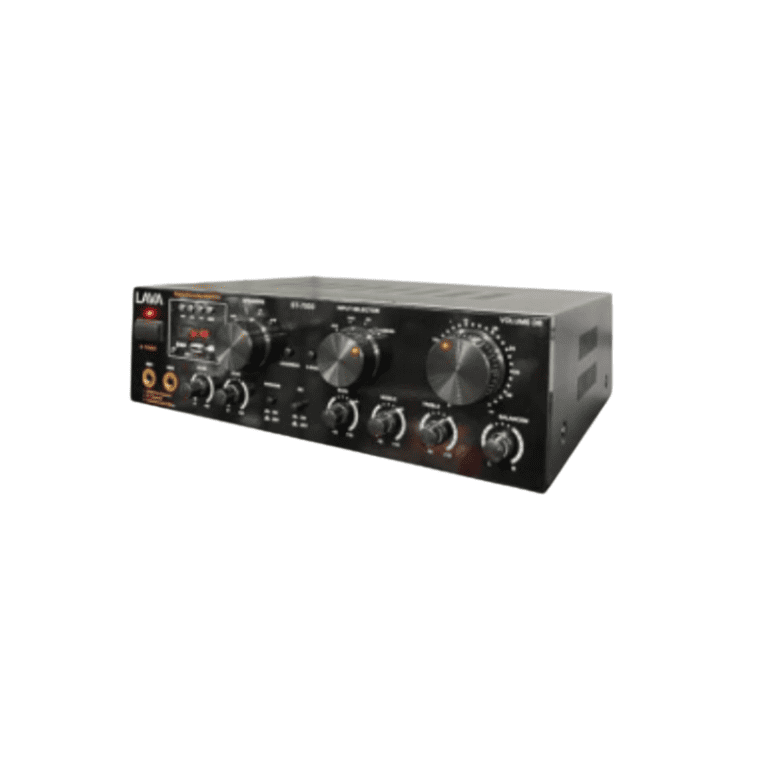
AMPLIFIER LAVA ST 7000 USB R FM BT
4,750 EGP
| Feature | Details |
|---|---|
| Brand | LAVA |
| Model | ST 7000 |
| Power Output | High power for clear, loud audio |
| Connectivity | USB, FM Radio, Bluetooth, AUX, Remote Control |
| Bluetooth | Yes, for wireless audio streaming |
| USB Port | Yes, supports MP3 playback |
| FM Radio | Yes, built-in tuner |
| Remote Control | Yes, for easy operation |
| Design | Sturdy metal chassis, LED display |
| Usage | Home entertainment, events, public audio |
Reviews
There are no reviews yet.