j5create JTS224 Multi-Angle Stand with Docking Station for iPad Pro
English Description (Rephrased)
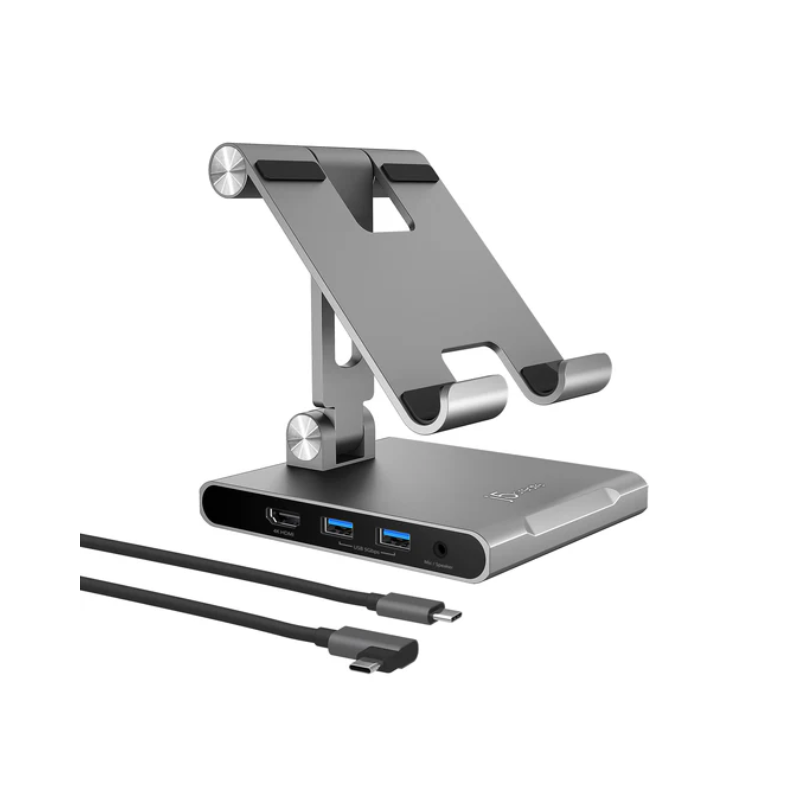
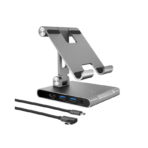
The j5create JTS224 Multi-Angle Stand with Docking Station is an innovative 8-in-1 USB-C docking stand designed to transform your iPad Pro, iPad Air, iPad mini, and other USB-C tablets up to 12.9 inches into a complete desktop workstation. Combining an ergonomic adjustable stand with a built-in docking station, it enhances productivity whether you’re working, studying, creating content, or enjoying entertainment.
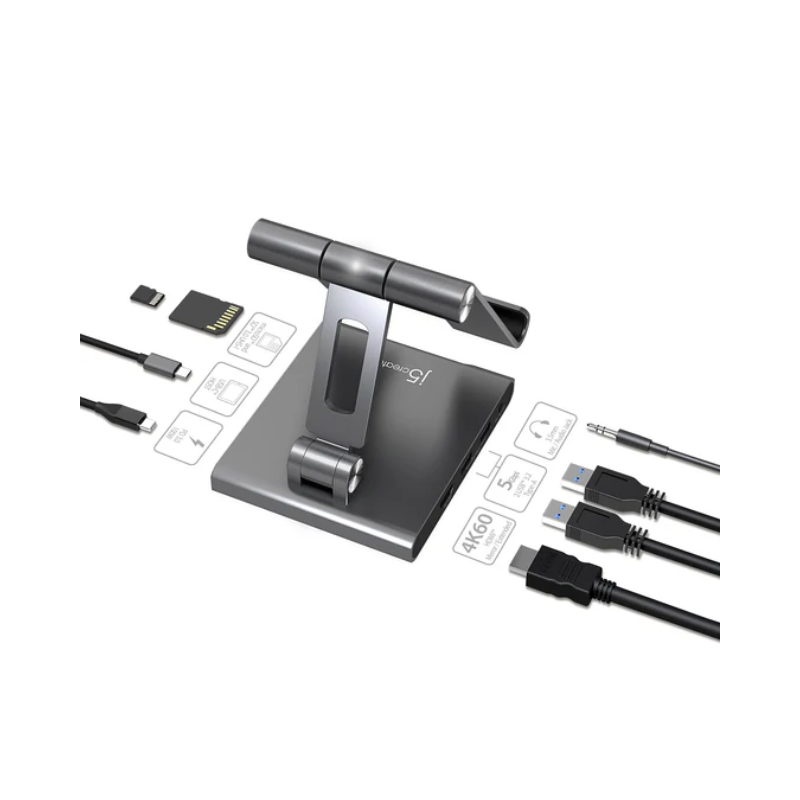
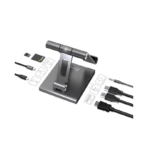
The integrated 4K HDMI output supports resolutions up to 3840 × 2160 at 60Hz, allowing you to connect an external monitor, TV, or projector for crisp visuals and smooth performance. Whether you’re giving presentations or extending your workspace, the JTS224 delivers a professional viewing experience.
For connectivity, the stand features dual USB-A 3.0 ports with transfer speeds of up to 5Gbps, making it easy to connect keyboards, mice, flash drives, and other USB accessories. It also includes SD and microSD card readers for convenient access to photos, videos, and files from memory cards.
The dedicated USB-C Power Delivery port supports up to 100W charging, ensuring your tablet remains powered while all connected devices continue operating. A 3.5mm audio jack provides a reliable wired connection for headphones, speakers, or microphones.
Its adjustable multi-angle design allows you to find the perfect viewing angle for typing, drawing, video conferencing, streaming, or reading. Crafted with premium materials, the JTS224 offers excellent stability, durability, and a modern appearance that complements any workspace.
Why Choose j5create JTS224?
8-in-1 Docking Station
Expand your tablet with HDMI, USB, SD/microSD, audio, and charging ports.
4K HDMI at 60Hz
Connect an external display with smooth Ultra HD video output.
100W Power Delivery
Charge your tablet while using all connected peripherals.
Ergonomic Adjustable Stand
Multiple viewing angles for comfortable work, entertainment, and creative tasks.
Perfect Desktop Workspace
Turn your USB-C tablet into a powerful productivity station.



 Overview



Reviews
There are no reviews yet.